ContainerManager - a Mac app for Apple's container tool
I’ve been tinkering with Apple’s container tool on and off since it was first announced a year ago and with the new features in the 1.0 release, I ended up building a GUI frontend for it and it’s called ContainerManager.
What is it
container is Apple’s open source tool for running Linux containers on macOS (Apple silicon). It works like docker or podman, but it’s built on top of Apple’s virtualization framework and designed to integrate with the OS in a more native way. It recently reached it’s 1 year anniversary and 1.0 release.
v1.0 came with the container machine command (youtube link), which lets you create and manage persistent Linux VMs. However, despite being very comfortable living in the terminal, I wanted a more visual way to explore and manage containers, machines, and images without having to remember all the CLI commands.
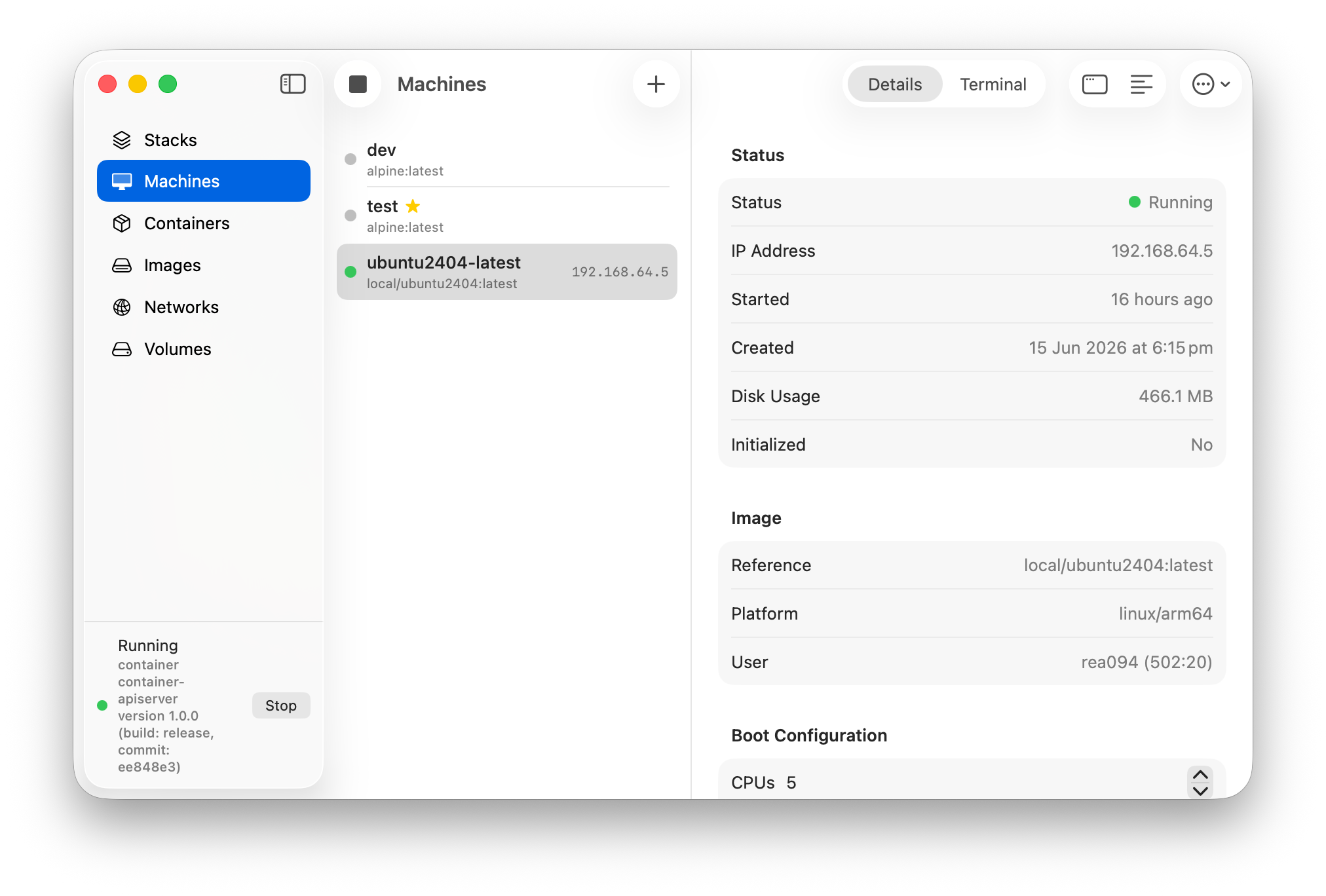
ContainerManager is a native macOS app that helps you interact with containers in a more visual way. It’s not a wrapper that shells out to the CLI, instead it links container’s own Swift client libraries and talks to the same background services directly, so the lists and actions are the same ones the container command uses under the hood. (It does still call the CLI for a few things: starting/stopping the services, building images, and opening a shell in Terminal.)
What it isn’t
ContainerManager isn’t a full featured container management solution, it’s more of a playground for learning and exploring the container tool and how containers work on macOS. It’s not trying to be Docker Desktop or podman or anything like that, it’s just a way to interact with the Apple container tool in a more visual way. YYMV, caveat emptor, etc 🙂.
What it does
The day-to-day stuff, without reaching for the man pages:
- Machines - create and run persistent Linux VMs, edit their boot config, view logs, and drop into an integrated terminal (or Terminal.app) without leaving the app.
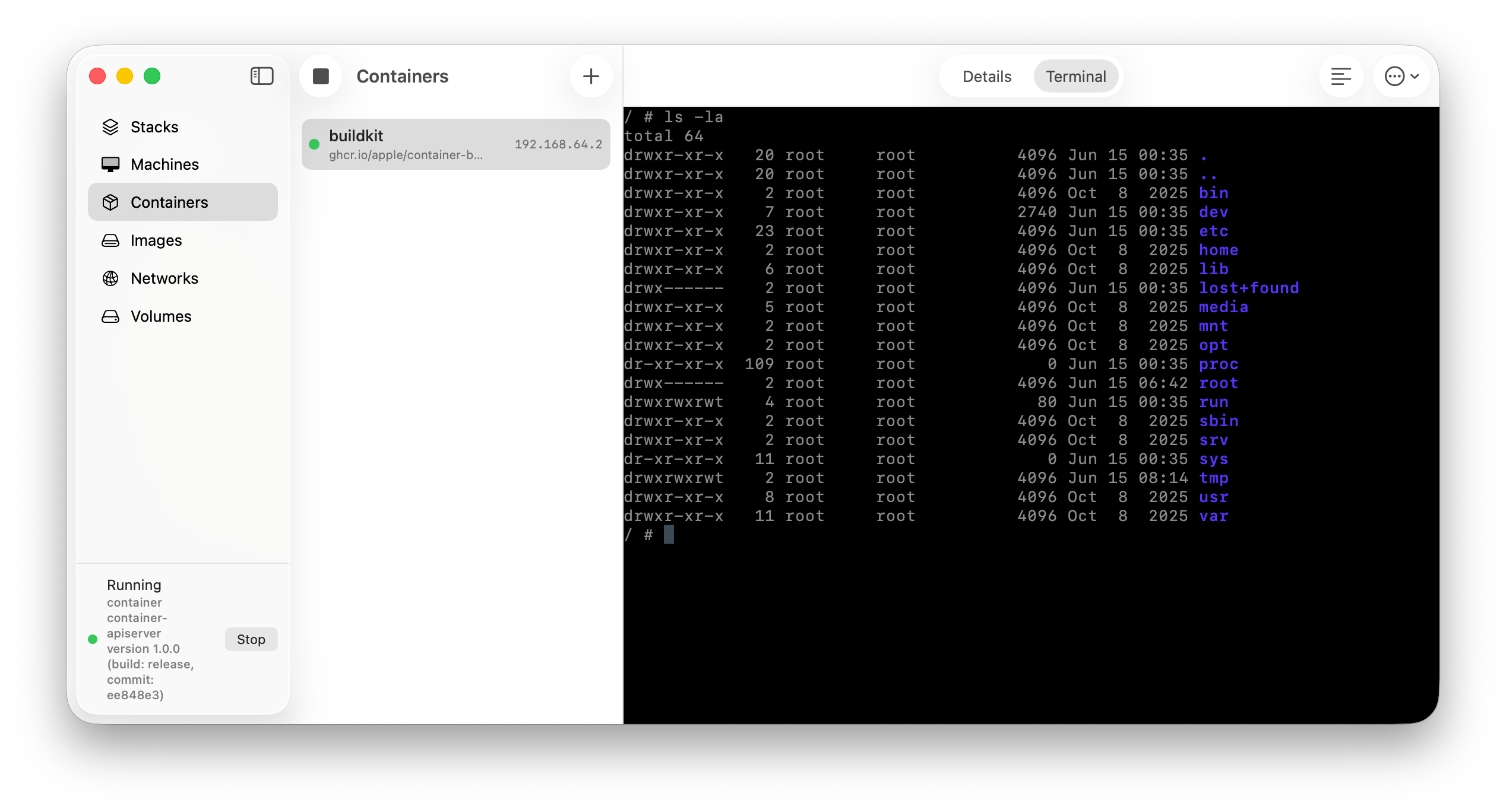
- Containers - create, run, start/stop/kill, view logs, and exec into a shell.
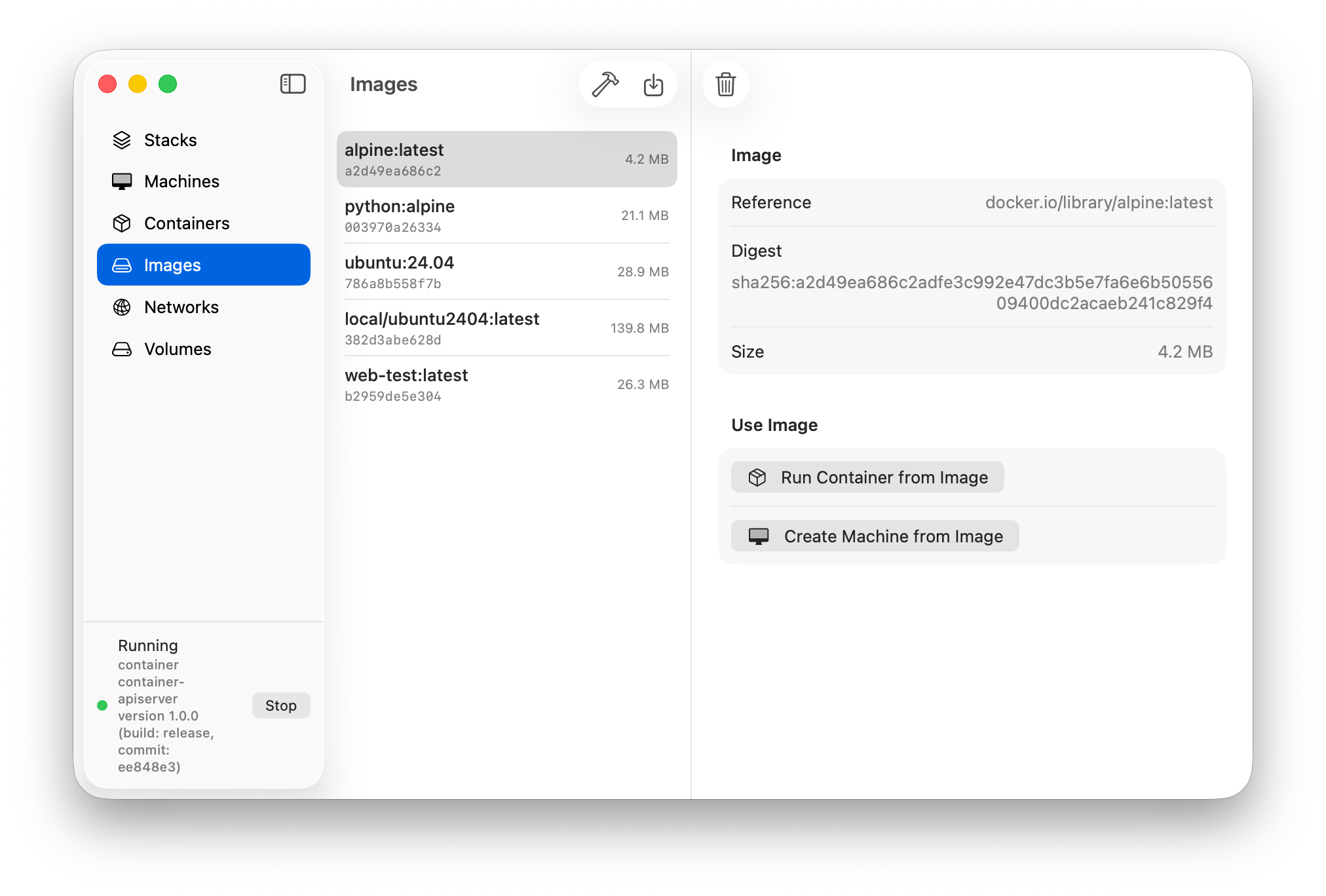
- Images - pull from a registry, build from a Dockerfile right in the app, and turn any image straight into a container or machine.
- Networks and Volumes - the usual create / inspect / delete.
- System - see whether the services are running and start/stop them, plus a bit of guided setup to get the
containertool installed and its base environment sorted if it isn’t already.
Stacks
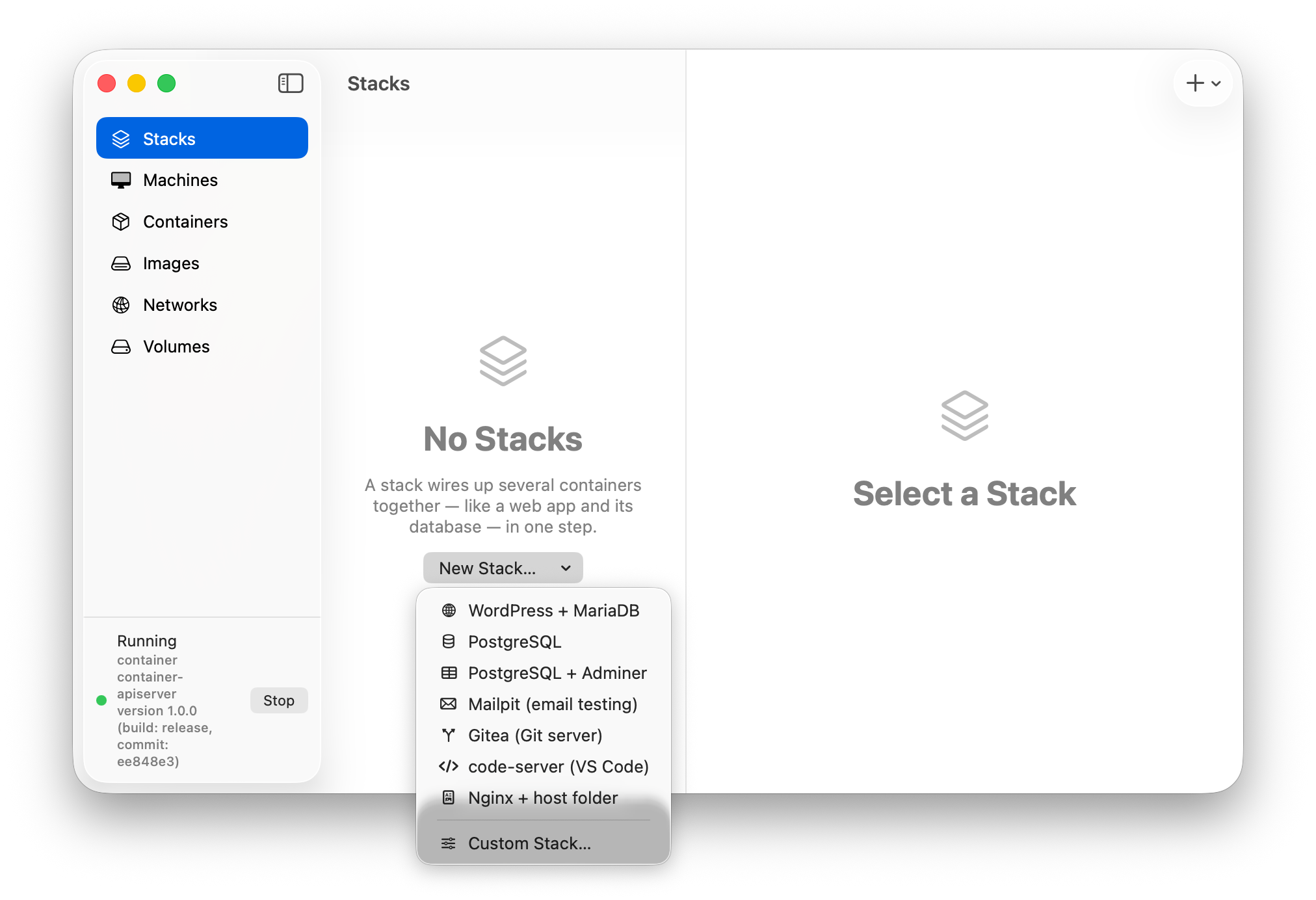
“Stacks” is a feature that lets you stand up a few containers together as a unit (e.g. WordPress + a database) from a template or a custom builder, with the networking wired up for you. This isn’t a full compose implementation, but it’s something and let’s you get a multi-container setup running with a couple of clicks so you can explore how the containers interact with each other without having to write a bunch of CLI commands or YAML.
Requirements
- Apple silicon Mac
- macOS 26
- v1.0.0 of the
containertool installed (ContainerManager will offer to grab it for you if it’s missing)
How to Get
It’s on GitHub: bartreardon/ContainerManager-App. Grab a build from the releases page.
It’s early days - it works but expect a rough edge here and there.
Found a bug or have an idea? Open an issue. 🙂
AI Disclaimer
ContainerManager was created with the assistance of AI, specifically Claude (Fable, while it existed, otherwise Opus) using nothing but the base Pro plan, using a combination of the Claude app for planning and scaffolding and the Coding Assistant in Xcode for writing and debugging code.
Opinionated opinion
This isn’t a post about AI however I feel that it’s important to be transparent about the tools I used to build ContainerManager. I used AI to help with some of the coding and debugging, but the design and overall direction of the app was me and was willed into existance because of my own ideas and desires. For me, AI isn’t a means to an end but a way to kickstart the process, something that I can often struggle with when turning my ideas into reality. I don’t buy into the hype, but this is a “force multiplier” (for want of a better term) for the way I work.
AI doesn’t replace human creativity, but it can be a useful tool to help with some of the more tedious or repetitive aspects that come with app development. I used it as a way to speed up the development process and get past roadblocks and help with documentation. As a tool for getting past all the donkey work, LLM’s are quite powerful. I say this with my own opinions that while LLM’s as a technoligy are facinating and, IMO, here to stay, how models are trained, source material and energy usage are real problems that exist today and need to be addressed. I don’t have the answers to those problems, but I think in time they are solvable. Time will tell, and hopefully RAM prices will drop.
Share on: